
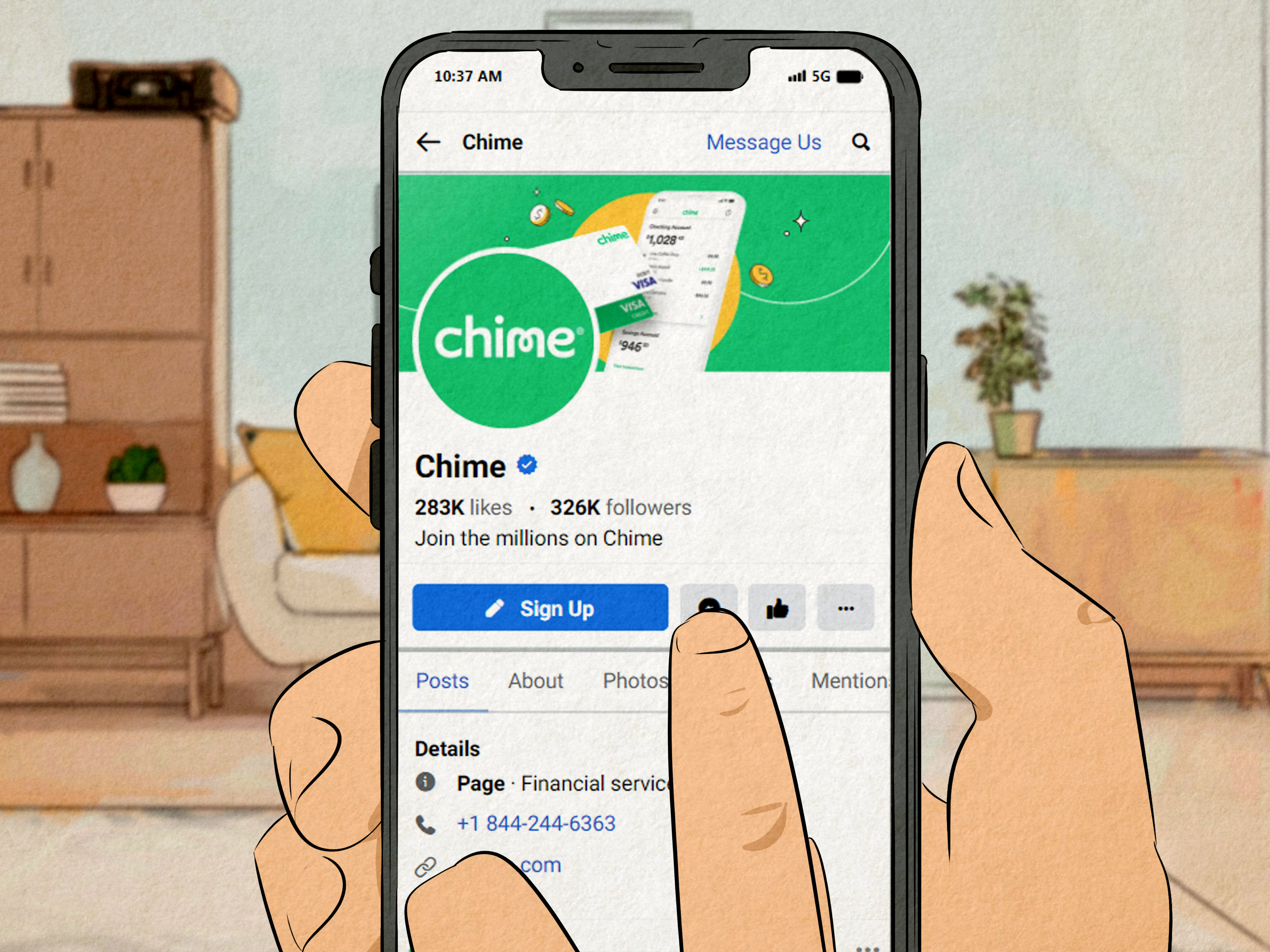
When something goes sideways with your money, you do not want a scavenger hunt. You want a real phone number, a clear next step, and ideally a support experience that does not make you question every life choice that led to this moment. So let’s answer the big question right away: Chime’s customer service number is (844) 244-6363. Chime says its Member Services team is available 24 hours a day, 7 days a week.
That number matters because the internet is packed with fake “customer service” listings, sketchy search ads, and social media replies pretending to be helpful while quietly eyeing your account like a raccoon near an open cooler. If you are a Chime member, the safest contact options are the official Chime app, the Chime Help Center, and Chime’s verified support number.
This Chime contact guide explains how to reach customer service, when to call, when to use in-app chat, how to prepare before contacting support, and how to avoid common scams. It also covers what to do for lost cards, unauthorized transactions, login problems, direct deposit questions, refund delays, and account access issues.
Chime Customer Service Number: The Quick Answer
The official Chime customer service phone number is:
(844) 244-6363
Chime lists this number as a fast way to reach Member Services. According to Chime’s Help Center, support is available around the clock, which is helpful if your card disappears at midnight, your direct deposit looks late, or your app decides to act mysterious five minutes before you need to pay for groceries.
Best Ways to Contact Chime
Chime’s main support options include:
- Phone support: Call (844) 244-6363.
- In-app chat: Open the Chime app, go to Profile, tap Help Center, then choose Chat.
- Help Center: Search official Chime support articles for common problems.
- Official Chime communications: Be cautious and verify that emails, calls, or texts are really from Chime.
For most members, the Chime app is the smoothest starting point because it keeps your request connected to your account. Phone support is usually better when the issue is urgent, confusing, or security-related.
Is Chime a Bank?
Chime is a financial technology company, not a traditional bank. Banking services are provided by Chime’s partner banks, The Bancorp Bank, N.A. or Stride Bank, N.A., Members FDIC. This distinction matters because when you contact Chime, you are generally contacting the customer-facing platform that helps manage your account experience.
In normal everyday use, that difference may not feel important. You open the app, check your balance, use your card, and move on with your life. But when you need help with account access, direct deposit, fraud, disputes, or a missing card, it is useful to understand that Chime handles member support while its partner banks provide banking services behind the scenes.
When Should You Call Chime Customer Service?
You should call Chime customer service when the problem is urgent or when you need a human to help untangle the situation. In-app chat is convenient, but phone support can feel more direct when your account, card, or money is at risk.
Call Chime for urgent account or card problems
Call Chime if your card is lost or stolen, if you see suspicious transactions, if you cannot access your account, or if you believe someone else may have your login details. The sooner you report a security issue, the better. Do not wait until “after one more episode” or “after lunch.” Money problems are not houseplants; they do not improve by being ignored.
Use chat for everyday support questions
In-app chat is useful for general questions, app navigation help, refund timelines, feature questions, or checking what steps to take next. Since chat begins inside the app, it may also make account verification easier than starting from a random phone call.
How to Contact Chime Through the App
To contact Chime through the mobile app, open the app and follow these steps:
- Tap Profile.
- Tap Help Center.
- Choose Chat.
- Describe the issue clearly and include relevant details.
Keep your message simple but specific. Instead of typing, “My money is weird,” try something like, “My direct deposit from my employer usually arrives Wednesday, but it has not appeared today. I confirmed payroll sent it.” Support agents are people, not mind readers with tiny crystal balls.
What Information Should You Prepare Before Calling Chime?
Before you call Chime customer service, gather the basics. You do not need to share your full password or sensitive codes with anyone. In fact, you should never give your password, one-time login code, full card number, or PIN to someone who contacts you unexpectedly.
Have the following information ready:
- Your full name as it appears on your Chime account.
- The email address or phone number linked to your account.
- A short description of the issue.
- Dates, dollar amounts, and merchant names for transaction problems.
- Screenshots or documents, if requested through a secure Chime process.
If you are disputing a transaction, write down the transaction date, amount, merchant, and why you believe it is incorrect or unauthorized. A clean timeline helps support handle your case faster.
How to Handle Common Chime Support Issues
Different problems need different contact strategies. Here is how to approach the most common Chime customer service situations.
Lost or stolen Chime card
If your Chime card is lost or stolen, act quickly. You can use the Chime app to manage your card, and you should contact support if you believe someone else may have used it. Chime’s support guidance says that after a card is reported lost or stolen, it is deactivated and a replacement is ordered. A new card usually comes with a new card number, expiration date, and CVV.
While waiting for the replacement, review your recent transactions. If anything looks unfamiliar, report it immediately. This is not the time to “wait and see.” Unauthorized transactions should be treated like smoke in the kitchen: maybe it is nothing, but you still check right away.
Suspicious or unauthorized transactions
If you notice a transaction you did not authorize, contact Chime as soon as possible. Under federal electronic fund transfer rules, unauthorized electronic transfers can trigger specific error-resolution protections, but timing matters. The sooner you report the problem, the stronger your position usually is.
When you contact support, explain that you do not recognize the transaction. Include the amount, date, merchant name, and whether your card or phone was lost, stolen, or accessed by someone else. Keep notes of the date you reported it and any case number provided.
Login or account access problems
If you cannot log in to your Chime account, start with the official app or Chime website. Use account recovery options rather than clicking links from random texts or emails. If you forgot your email address, Chime’s Help Center explains that members can use the phone number linked to the account to recover login information.
If you suspect your login details were compromised, call Chime or use in-app support immediately. Also consider changing your email password, enabling security features on your phone, and checking whether your phone number or email has been changed without permission.
Direct deposit questions
Direct deposit issues are common because multiple parties are involved: your employer or benefits provider, payroll processing, Chime, and Chime’s partner bank. If a deposit is late, first confirm that the sender actually processed the payment. Then check your account and routing information in the Chime app.
Chime members can find account and routing numbers in the app under account details. Routing numbers may differ depending on whether the account is associated with The Bancorp Bank, N.A. or Stride Bank, N.A. Do not copy routing information from a random website when setting up payroll. Use your own Chime app to avoid mistakes.
Refund delays
Refunds can be frustrating because the merchant often starts the process before the money appears in your account. If a store says it issued a refund, ask for confirmation and keep the receipt or reference number. Then check Chime’s Help Center or contact support if the refund does not appear within the expected timeframe.
Support may ask for merchant details, amount, transaction date, and proof of refund. The more organized you are, the less your support conversation will feel like detective work with bad lighting.
How to Avoid Fake Chime Customer Service Numbers
Fake customer service numbers are a real problem across banking, fintech, delivery apps, online marketplaces, and payment platforms. Scammers know that stressed customers search quickly. They create fake listings, fake social media accounts, fake ads, and fake “support” pages hoping you will call them instead of the real company.
Here is the safe rule: Use the number in the Chime app or official Chime Help Center. Do not trust a phone number just because it appears in a search result, forum comment, social post, or sponsored ad.
Warning signs of a Chime support scam
- Someone asks for your Chime password or login code.
- Someone tells you to move money to “protect” it.
- Someone asks you to download a remote-access app.
- Someone pressures you to act immediately or threatens account closure.
- The email address does not come from an official Chime-related domain.
- The caller claims to be Chime but refuses to let you call the official number back.
If someone calls you claiming to be Chime and the conversation feels strange, hang up and call Chime directly at the number shown in the official app or Help Center. Real support will not be offended. Scammers, however, hate when you verify things. That is their whole villain origin story.
Does Chime Have Physical Branches?
Chime does not operate like a traditional branch-based bank. It is designed as a mobile-first financial technology platform. That means most support is handled by phone, app chat, and online help resources rather than in-person branch visits.
For users who prefer walking into a branch and talking to someone across a desk, Chime may feel different. But for members comfortable with mobile banking, the app-based setup can be convenient, especially when support is available 24/7.
Tips for Getting Better Help From Chime Customer Service
Customer support works best when you make the problem easy to understand. You do not need a dramatic speech. You need a clear timeline, accurate details, and a calm explanation.
Start with one issue at a time
If your card is missing, your direct deposit is late, and your app is glitching, it may be tempting to unload everything at once. But support conversations go better when you start with the most urgent issue. For example, a lost card or suspicious transaction should come before a general feature question.
Use exact dates and amounts
Specific details beat vague descriptions. “A $72.18 charge from ABC Market on May 18 is not mine” is more useful than “Some charge looks wrong.” The agent can search faster, document the issue better, and guide you through the correct process.
Keep records
Write down when you contacted Chime, what channel you used, and any reference number or case number. If the issue continues, those notes help you avoid starting over from scratch. Future you will be grateful. Future you may even forgive present you for not folding laundry.
Stay calm but persistent
Money problems are stressful. Still, staying calm usually gets better results than turning the call into a courtroom drama. Be direct, ask what happens next, and request a timeline. If something is unclear, ask the agent to explain it in plain English.
What to Do If You Cannot Reach a Live Person
If you have trouble reaching a live Chime representative by phone, try these steps:
- Use in-app chat through the Chime app.
- Search the official Chime Help Center for the specific issue.
- Check that your app is updated.
- Call again from the phone number linked to your account, if possible.
- Prepare identity verification information before contacting support.
For urgent fraud or account access issues, do not rely only on community forums or social media comments. Other users may mean well, but they cannot secure your account. Official support is the correct route.
Chime Contact Guide by Situation
| Situation | Best Contact Method | What to Prepare |
|---|---|---|
| Lost or stolen card | App card controls and phone support | Last known card use, suspicious charges, delivery address |
| Unauthorized transaction | Phone support or in-app chat | Transaction date, amount, merchant, reason for dispute |
| Login problem | App recovery tools, Help Center, phone support | Linked phone number, email address, identity details |
| Direct deposit delay | Help Center or chat | Employer confirmation, expected pay date, account details |
| Refund not showing | Chat or Help Center | Merchant receipt, refund confirmation, transaction amount |
Experience Notes: What Contacting Chime Support Can Feel Like in Real Life
In real life, contacting customer service rarely happens while you are peacefully sipping tea with all your documents neatly arranged. It usually happens while you are standing in a checkout line, staring at a declined transaction, pretending not to panic while the person behind you buys one banana and somehow looks judgmental. That is why having Chime’s customer service number saved before you need it is a smart move.
A common experience for Chime users is realizing that different problems require different levels of urgency. A delayed refund from a clothing store is annoying, but it may not be an emergency. A card that vanished after a night out, however, deserves immediate action. In that case, opening the app, disabling card transactions if available, and contacting support quickly can prevent a small problem from becoming a full financial circus.
Another practical lesson is that support conversations go much better when you bring receiptssometimes literally. If you are asking about a refund, have the merchant receipt. If you are disputing a charge, write down the exact amount. If your direct deposit did not arrive, confirm whether your employer actually sent payroll. Chime support can help with account-side questions, but it cannot magically force your employer’s payroll department to stop moving at the speed of a sleepy turtle.
Many users also learn the importance of using official contact channels. Searching online for a customer service number may seem harmless, but fake support numbers can appear in ads, forums, comments, or unofficial directories. The safest habit is to open the Chime app or official Help Center and verify the phone number there. If anyone asks for your password, PIN, full card number, or one-time code, treat that as a giant red flag waving in front of a marching band.
For non-urgent questions, in-app chat can feel easier than calling. You can explain the issue, keep a written trail, and avoid sitting with your phone pressed to your ear while hold music slowly becomes part of your personality. But for urgent issues involving fraud, unauthorized transfers, lost cards, or account access, calling (844) 244-6363 is often the more direct path.
The best overall experience comes from being prepared, calm, and specific. Tell support what happened, when it happened, and what you need next. Ask for the next step, the expected timeline, and whether there is a case number. That small habit can turn a confusing support interaction into a manageable process. Customer service may never become anyone’s favorite hobby, but with the right number and a little preparation, it does not have to ruin your day.
Final Thoughts: Save the Official Chime Number Before You Need It
The official Chime customer service number is (844) 244-6363, and Chime also offers support through in-app chat. If your issue involves a lost card, suspicious activity, unauthorized transactions, login trouble, direct deposit confusion, or refund delays, contact Chime through official channels only.
The biggest takeaway is simple: do not trust random support numbers online. Use the Chime app, the official Help Center, or the customer service number listed by Chime. When money is involved, a few seconds of verification can save you from hoursor daysof stress.
Note: This article is for general customer-service guidance. Readers should verify Chime’s current phone number and support options inside the Chime app or official Help Center before sharing any account information.











