Few tracking updates cause confusion quite like USPS saying “No Access to Delivery Location”. It sounds dramatic, a little mysterious, and vaguely like your package tried to enter a secret fortress and got turned away by a drawbridge. In plain English, it usually means the carrier could not safely or physically reach the place where your mail or package was supposed to be delivered.
The good news is that this status does not automatically mean your package is lost, stolen, or headed into the postal afterlife. In many cases, it is a temporary delivery exception caused by something simple: a blocked mailbox, a locked gate, a loose dog, construction, emergency activity, or a building the carrier could not access. Sometimes the fix is easy. Sometimes you need to take action fast.
This guide explains what the USPS “No Access to Delivery Location” message really means, the most common reasons it happens, and the exact steps to take next so your package has the best chance of landing where it belongs: with you, not in tracking limbo.
What Does “No Access to Delivery Location” Mean?
When USPS uses this tracking update, it generally means a delivery attempt could not be completed because the carrier was unable to reach your mailbox, porch, parcel locker, mailroom, or other drop-off point. This is a delivery exception, not a final outcome. In other words, your package made it close to the finish line, but something got in the way right before the handoff.
Think of it as a physical access problem, not necessarily an address problem. The mail carrier may have arrived at or near your location, but the final path to the delivery point was blocked, unsafe, or unavailable at that moment.
That distinction matters. If the issue is temporary, the next delivery attempt may go through without any drama. If the issue is ongoing, such as a locked building with no access code or a mailbox hidden behind a snowbank the size of a refrigerator, you may need to step in and solve the obstacle.
Common Reasons USPS Says There Was No Access
1. A Vehicle or Object Was Blocking the Mailbox
This is one of the most common causes. A car parked in front of a curbside mailbox, trash bins left in the wrong place, landscaping equipment, or even a moving truck can prevent the carrier from reaching the box safely and efficiently. If your mailbox is served from a delivery vehicle, even a small blockage can turn into a missed delivery.
2. A Locked Gate or Building Prevented Entry
Apartment complexes, gated communities, office buildings, and condos can trigger this update when the carrier cannot get through a gate, door, lobby, or mailroom. Missing gate codes, broken call boxes, or a building manager changing access procedures without notice can all cause a package to stall.
3. A Loose Dog or Other Safety Issue Was Present
USPS carriers do not have to gamble with their ankles. If a dog is loose in the yard, barking behind an unreliable fence, or otherwise creating a safety concern, the carrier may skip the delivery attempt. The same goes for hazards like ice, flooding, unstable steps, or anything else that makes access unsafe.
4. Weather, Construction, or Emergency Activity Blocked the Route
Major snow, roadwork, utility repairs, fallen trees, police activity, and emergency responders can all interfere with delivery. Even if your address is correct, the carrier may not be able to approach the property or safely stop nearby.
5. The Package Needed a Secure Drop Spot but None Was Available
Sometimes access is not the problem in the literal sense. The carrier may reach the property but be unable to leave the item securely. If a porch is exposed, a building lobby is not safe, or a parcel locker is unavailable, the carrier may choose not to complete delivery.
6. The Address Details Were Incomplete for a Shared Building
If your apartment number, suite number, buzzer, building name, or other locating detail is missing, the carrier may get close but not close enough. In a house, a missing apartment number sounds impossible. In a large residential complex, it is the difference between a successful delivery and a package that feels emotionally abandoned.
7. New Construction or a Newly Added Address Caused Confusion
If you live in a new development or recently assigned address, USPS systems may not fully recognize the location yet. This can happen when local records, developer information, and delivery infrastructure are not fully synced. The result is a package that gets very near your home but does not quite know how to complete the mission.
What to Do Immediately After You See the Status
Check the Tracking Details Closely
Start with the basics. Open the USPS tracking page and look for the latest scan time, delivery attempt language, and any additional notes. If the status appeared late in the day, wait through the next business day before assuming the worst. USPS often makes another attempt after temporary access issues clear up.
Inspect the Delivery Area
Take a quick walk outside and look at your mailbox, front path, gate, door, and porch. Is a car blocking the mailbox? Is there construction tape across the entrance? Is the gate code missing from your delivery instructions? Did your dog decide today was the day to become a security consultant?
Even if you think everything is fine, look with a carrier’s perspective. Can someone unfamiliar with your home reach the delivery point without guessing, climbing, squeezing, or negotiating with wildlife?
Verify the Full Address
Make sure the shipping address includes every essential detail: apartment number, unit, suite, floor, building name, ZIP Code, and any directional markers such as East or West. One missing line can cause a major delay, especially in multi-unit buildings.
If the sender entered the wrong address, contact them right away. In many cases, the recipient cannot fully correct label data after shipment, but the sender may be able to help through USPS tools or customer support.
How to Get the Package Delivered Faster
Use USPS Delivery Instructions If Available
If your package is eligible, USPS Delivery Instructions can help you tell the carrier exactly where to leave it. You may be able to request that the package be left in a specific location, held at the Post Office for pickup, or in some cases sent to another domestic address for additional postage.
This option is especially useful when the carrier can reach your property but needs clearer direction. For example, you can specify a side porch, a back door, or a neighbor who is authorized to receive the package.
Schedule a Redelivery
If USPS leaves a delivery notice or if the tracking page gives you the option, schedule a redelivery. This is often the easiest path after a temporary access issue. Maybe the gate will be open tomorrow. Maybe the dog will be indoors. Maybe the car will finally move. Miracles happen.
If you need same-day redelivery where eligible, timing matters, so it is smart to act quickly rather than waiting three days and then staring at tracking updates like they owe you rent.
Choose Hold for Pickup
If home delivery keeps failing, picking up the package at the local Post Office can be the fastest and least stressful solution. This works well if your building has inconsistent access, your neighborhood is under construction, or you simply do not want to risk a second failed attempt.
Bring identification and any delivery notice information you have. This option is also a great backup for time-sensitive packages, such as documents, medication, electronics, or gifts that have already missed their dramatic entrance.
Use Informed Delivery and Alerts
USPS Informed Delivery can make it easier to monitor incoming packages, receive notifications, and manage some delivery options from a dashboard. It is not magic, but it does reduce the number of times you have to refresh tracking like a day trader watching a meme stock.
When You Should Contact USPS
If the tracking status does not change after the next business day, or if the same “No Access to Delivery Location” message appears more than once, contact USPS. At that point, the problem may be recurring, and you need a human being to confirm what is actually blocking delivery.
Contact USPS If:
- The package is urgent or perishable
- The status repeats for two delivery days in a row
- You fixed the access issue, but USPS still cannot deliver
- You suspect the address or building access data is wrong in the system
- The package appears to be stuck at the same local facility
When you reach out, have your tracking number ready. Ask whether the item is being held locally, whether another delivery attempt is scheduled, and whether the carrier reported a specific access issue such as a locked gate, blocked mailbox, or animal interference.
What If the Package Still Does Not Show Up?
If the package remains undelivered and tracking stops moving, start escalating in a calm, organized way.
Step 1: Save Screenshots and Notes
Take screenshots of the tracking updates and write down dates, times, and any delivery notices. This helps if you need to speak with USPS, the sender, or the retailer later.
Step 2: Contact the Sender or Retailer
If the package came from an online order, tell the seller what tracking says. Some retailers can intervene, issue replacements, or work directly with USPS faster than recipients can on their own.
Step 3: Submit a Missing Mail Search if the Delay Becomes Serious
If the package appears lost or badly delayed, USPS offers a Missing Mail search process. This is not the first step for a same-day access issue, but it becomes relevant when the package does not recover after a reasonable window and tracking has gone suspiciously quiet.
Step 4: Check Whether a Claim or Refund Applies
If the shipment included insurance or was sent with a service that offers a money-back guarantee, the sender may be able to file a claim or request a refund. This usually applies to the shipper more than the recipient, so coordinate with the merchant if needed.
How to Prevent This USPS Status in the Future
Keep the Mailbox Area Clear
Do not block curbside access with parked vehicles, bins, snow, or yard equipment. If your mailbox is roadside, keep the approach open enough for normal delivery.
Add Complete Address Information Every Time
Save your address properly in shopping accounts. Include apartment, unit, suite, gate code, building name, and any delivery clue that matters. In shared buildings, details are not optional decoration. They are the map.
Use Delivery Instructions for Hard-to-Find Properties
If your entrance is unusual, your porch is hidden, or your building has a temperamental intercom, add instructions early rather than after a failed attempt.
Secure Pets During Delivery Hours
Even friendly dogs can cause carriers to avoid a property if the situation feels unsafe. Keep pets inside or restrained when mail is typically delivered.
Consider Hold for Pickup for High-Value Items
If you live in a building with poor access or frequent package issues, it may be smarter to choose pickup options for expensive or time-sensitive shipments. It is less convenient than opening the door and finding a box, but more convenient than tracking chaos.
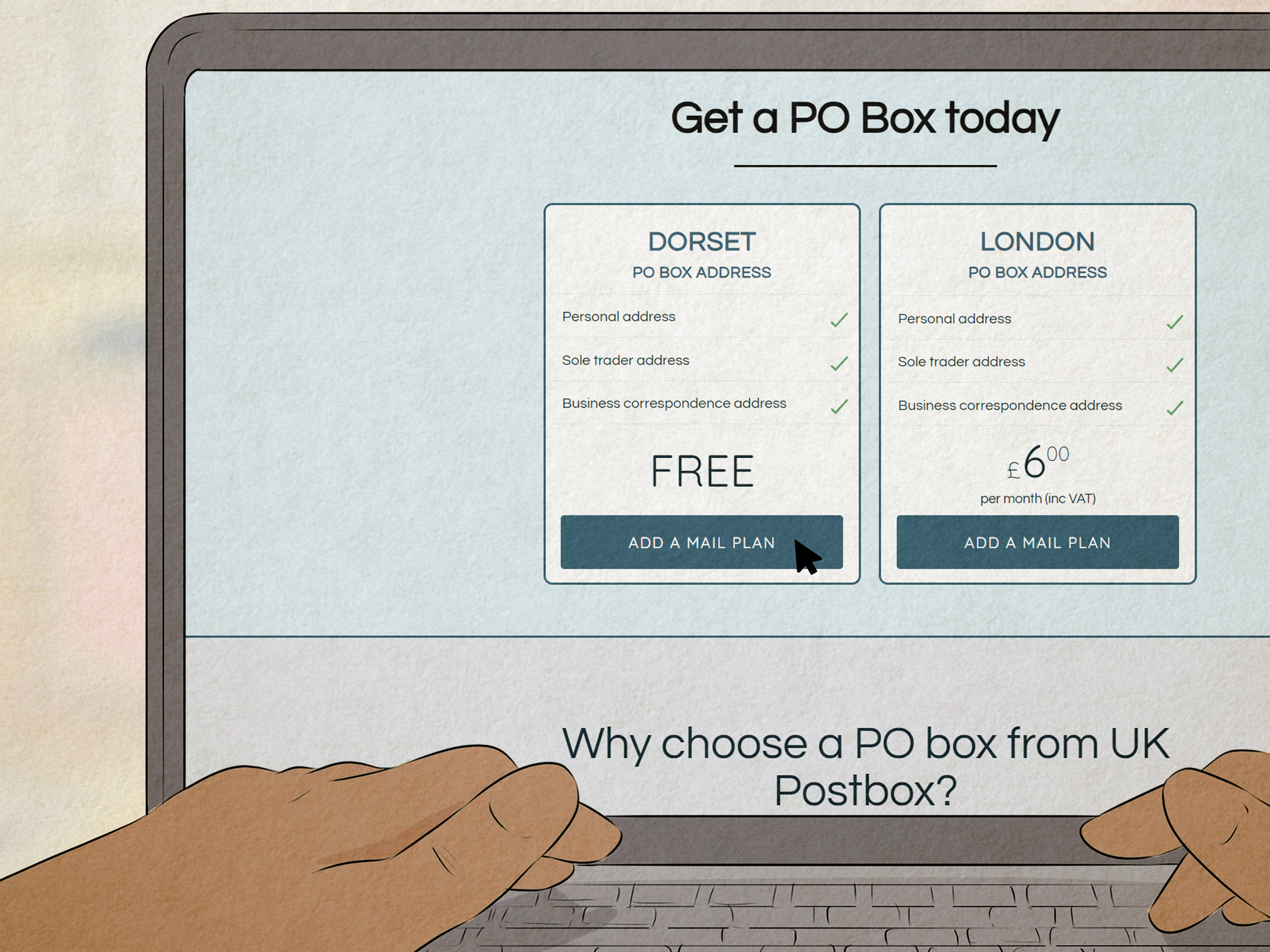
Use a PO Box if Delivery Access Is Consistently Messy
If your property routinely causes access problems, a PO Box may save time, stress, and repetitive customer service calls. It is not glamorous, but neither is arguing with a tracking page for four consecutive days.
Frequently Asked Questions
Will USPS try again after “No Access to Delivery Location”?
Often, yes. Many temporary access issues lead to another attempt on the next business day. But if the obstacle remains, the item may be held, delayed, or eventually returned.
Does this status mean my package is lost?
No. It usually means delivery could not be completed at that moment. A lost package is a different problem. This status is more like a near miss than a disappearance.
Can I pick the package up myself?
In many situations, yes. If the package is being held at your local Post Office or becomes eligible for Hold for Pickup, that may be the quickest solution.
Can an incorrect apartment number cause this message?
Absolutely. In apartment buildings and multi-unit complexes, incomplete address details can prevent the carrier from completing delivery even if they reached the property.
Final Takeaway
The USPS “No Access to Delivery Location” message is frustrating, but it is usually a fixable problem rather than a disaster. In most cases, the issue comes down to blocked access, building entry trouble, safety concerns, or incomplete delivery details. Your best move is to check the tracking, inspect the delivery area, verify the full address, and use USPS tools such as Delivery Instructions, Redelivery, or Hold for Pickup if needed.
If the status repeats or the package stops moving, contact USPS and the sender before the delay grows into a full missing-mail headache. The earlier you spot the real obstacle, the faster your package can stop sightseeing and start arriving.
Experiences People Commonly Have With the USPS “No Access to Delivery Location” Message
One of the most common real-world experiences happens in apartment buildings. A customer sees that their package is out for delivery all morning, then suddenly gets hit with “No Access to Delivery Location” in the afternoon. They assume the carrier never came. In reality, the carrier may have reached the building but could not get through a locked lobby door, a broken call box, or a mailroom that requires a key card. The customer often fixes the problem by adding the apartment number, updating delivery instructions, or choosing Hold for Pickup the next time.
Another common experience involves curbside mailboxes in suburban neighborhoods. A resident comes home, sees the tracking status, and swears nothing was wrong. Then they realize a guest parked directly in front of the mailbox, or the garbage bins were left out all day. From the resident’s point of view, the blockage seemed small. From the carrier’s point of view, it was enough to interrupt the route. In these cases, the next-day redelivery often works perfectly once the path is clear.
Weather creates its own special category of tracking drama. After a snowstorm, many people discover that USPS is not being dramatic when it says it could not access the location. Snow packed around the mailbox, icy walkways, and blocked roads can all cause missed delivery attempts. The recipient may be checking the window every ten minutes, wondering where the truck is, while the carrier is making a safety call that applies to dozens of homes on the route. Once the snow is cleared, the package often shows up with no further issue.
Then there is the dog scenario, which feels personal even when it is not. Plenty of customers insist their dog is friendly, calm, or basically a furry greeting card. But carriers cannot judge temperament from a distance, especially when a dog is loose, barking, or charging the fence line like a tiny bodyguard with unresolved feelings. Many people only realize this was the issue after speaking to the Post Office. After that, they start bringing the dog inside during usual delivery hours, and the problem disappears.
There are also cases where the tracking message creates panic, but the package arrives the next day anyway. That tends to happen when the obstacle was temporary, such as utility work, emergency vehicles, or a one-time gate problem. The lesson many customers learn is that the first response should not be full emotional collapse. It should be a calm check of the address, the delivery area, and the available USPS options.
In short, most experiences with this USPS status follow the same pattern: confusion first, clarity later. Once customers understand that “No Access to Delivery Location” is usually about a practical obstacle, not a vanished package, it becomes much easier to fix the issue and prevent it next time.