Your Facebook display name may be sitting in plain sight, but your username and numeric user ID are slightly better at hide-and-seek. One lives inside your profile address, while the other may resemble a barcode’s phone number. Fortunately, neither requires detective trainingor twelve open tabs full of questionable “ID finder” websites.
This guide explains four practical ways to find your Facebook username and user ID on a computer, Android phone, or iPhone. It also covers the difference between these identifiers, how to verify what you found, and what to do when Facebook’s ever-shifting menus decide to rearrange the furniture again.
Facebook Username vs. User ID: What Is the Difference?
Before searching, make sure you know which identifier you need. Your Facebook name, username, and user ID are related, but they are not interchangeable.
| Identifier | Example | What It Does |
|---|---|---|
| Display name | Jordan Taylor | Appears on your profile, posts, comments, and messages |
| Username | jordan.taylor | Creates a memorable, unique profile address |
| Profile URL | facebook.com/jordan.taylor | Opens your Facebook profile directly |
| Numeric user ID | 100012345678901 | Connects Facebook’s system to your specific profile |
A Facebook username usually appears after facebook.com/ in a customized profile URL. It is readable, shareable, and unique. Your user ID is a string of numbers assigned automatically to your profile. According to the Facebook Help Center, usernames and user IDs are associated with the public portion of a profile and help Facebook connect activity to the correct account.
Changing your display name does not necessarily change your username. Likewise, changing your username changes your profile URL, but it normally does not replace your underlying numeric profile ID. Think of the username as the sign on the front door and the ID as the property number in Facebook’s enormous database.
Way 1: Find Your Facebook Username in the Desktop Profile URL
The fastest way to find a Facebook username on a computer is to open your profile and inspect the browser address bar.
Steps for Windows, Mac, Linux, or Chromebook
- Open a web browser and sign in at
facebook.com. - Click your profile picture or name to open your personal profile.
- Look at the URL in the browser’s address bar.
- Copy the part that appears immediately after
facebook.com/.
For example, if the address is:
https://www.facebook.com/jordan.taylor
then the username is:
jordan.taylor
Remove tracking parameters before sharing the link. If the URL contains a question mark followed by extra text, such as ?mibextid=..., the material after the question mark is usually a sharing or tracking parameternot part of the username.
What If the URL Contains “profile.php”?
You may see an address resembling:
https://www.facebook.com/profile.php?id=100012345678901
In this case, Facebook is displaying the numeric user ID rather than a customized username. The digits after id= are the profile’s numeric ID. The account may not have a custom username, or Facebook may simply be using a numeric version of the profile link.
This method is quick, requires no account-setting expedition, and works especially well when you need to send someone your profile link. It also reduces the risk of copying the wrong name when several people share the same display name.
Way 2: Copy Your Profile Link in the Facebook Mobile App
A mobile app does not have a browser address bar, so Facebook provides a profile-link option instead. The exact labels can vary, but the general path is consistent.
Steps for Android and iPhone
- Open the Facebook app and sign in.
- Tap your profile picture, your name, or the menu icon.
- Open your personal profile.
- Tap the three-dot button beneath or near your cover photo.
- Find the Your profile link, Copy link, or Share profile option.
- Copy the link and paste it into a note, text field, or browser so you can examine it.
If the copied URL ends in a recognizable word or name, that final segment is normally your username. For example, the username in facebook.com/jordan.taylor is jordan.taylor.
If the link contains profile.php?id=, copy the number that follows id=. That is the numeric profile ID. Once again, ignore anything following an ampersand or unrelated tracking parameter.
Use a Mobile Browser as a Backup
If your app does not show a copy-link option, open Facebook in Safari, Chrome, or another mobile browser. Navigate to your profile and inspect or copy the address from the browser bar. You can also ask a trusted friend to visit your profile and send you its URLan approach Facebook recommends when someone needs a username for account recovery.
A copied profile link does not bypass privacy controls. People who open it will see only the profile information available to them under your current audience settings.
Way 3: Find Your Username Through Meta Accounts Center
The profile URL method is fastest, but Accounts Center is the most direct place to confirm or manage your official Facebook username. It is particularly useful if you have several Facebook and Instagram profiles connected under one Meta account.
On the Facebook Mobile App
- Open Facebook and tap the menu icon.
- Select Settings & privacy, followed by Settings.
- Open Accounts Center or See more in Accounts Center.
- Tap Profiles.
- Select the correct Facebook profile.
- Tap Username to view the current username.
On Facebook.com
- Click your profile picture in the upper-right corner.
- Choose Settings & privacy, then Settings.
- Open Accounts Center.
- Select Profiles and choose your Facebook profile.
- Open Username.
These paths follow Meta’s current instructions for finding or changing a Facebook username. If you manage more than one profile, verify the profile picture and account name before copying or editing anything. It is surprisingly easy to spruce up the wrong digital front porch.
If you decide to change your username, remember that it must be available and comply with Facebook’s username rules. Usernames generally use letters, numbers, and periods. Capitalization and extra periods do not necessarily make an otherwise identical username unique.
Changing the username also changes the profile’s Facebook URL and may affect the corresponding Messenger address. Update links on your website, email signature, digital business card, and other social profiles after making a change.
Way 4: Find a Numeric Facebook User ID
If you specifically need the numeric Facebook user ID, start with the profile URL. A URL containing profile.php?id=NUMBER gives you the answer immediately. When a custom username hides the number, a desktop browser’s page source may provide a fallback.
Check the Profile Page Source
- Open your Facebook profile in a desktop browser while signed in.
- Right-click a blank part of the page and select View page source. In many browsers,
Ctrl+Uon Windows orCommand+Option+Uon a Mac also works. - Press
Ctrl+ForCommand+F. - Search for terms such as
profile_id,profileID,userID, orentity_id. - Look for a long number associated with the profile owner.
Facebook pages contain many numeric identifiers for posts, photos, comments, recommendations, and other accounts. Do not assume that the first impressive-looking number is yours. Verify a suspected profile ID by opening:
https://www.facebook.com/PROFILE-ID
Replace PROFILE-ID with the number. If Facebook redirects to your profile, you have likely found the correct numeric ID. If it opens a post, Page, or somebody else’s profile, return to the source and try another clearly labeled value.
Page-source structures change frequently, so this method is less predictable than checking a numeric URL. If none of the search terms produces an unambiguous result, do not force it. Ask the company, developer, or support representative requesting the ID which type of identifier it accepts.
Important: App-Scoped User IDs Are Different
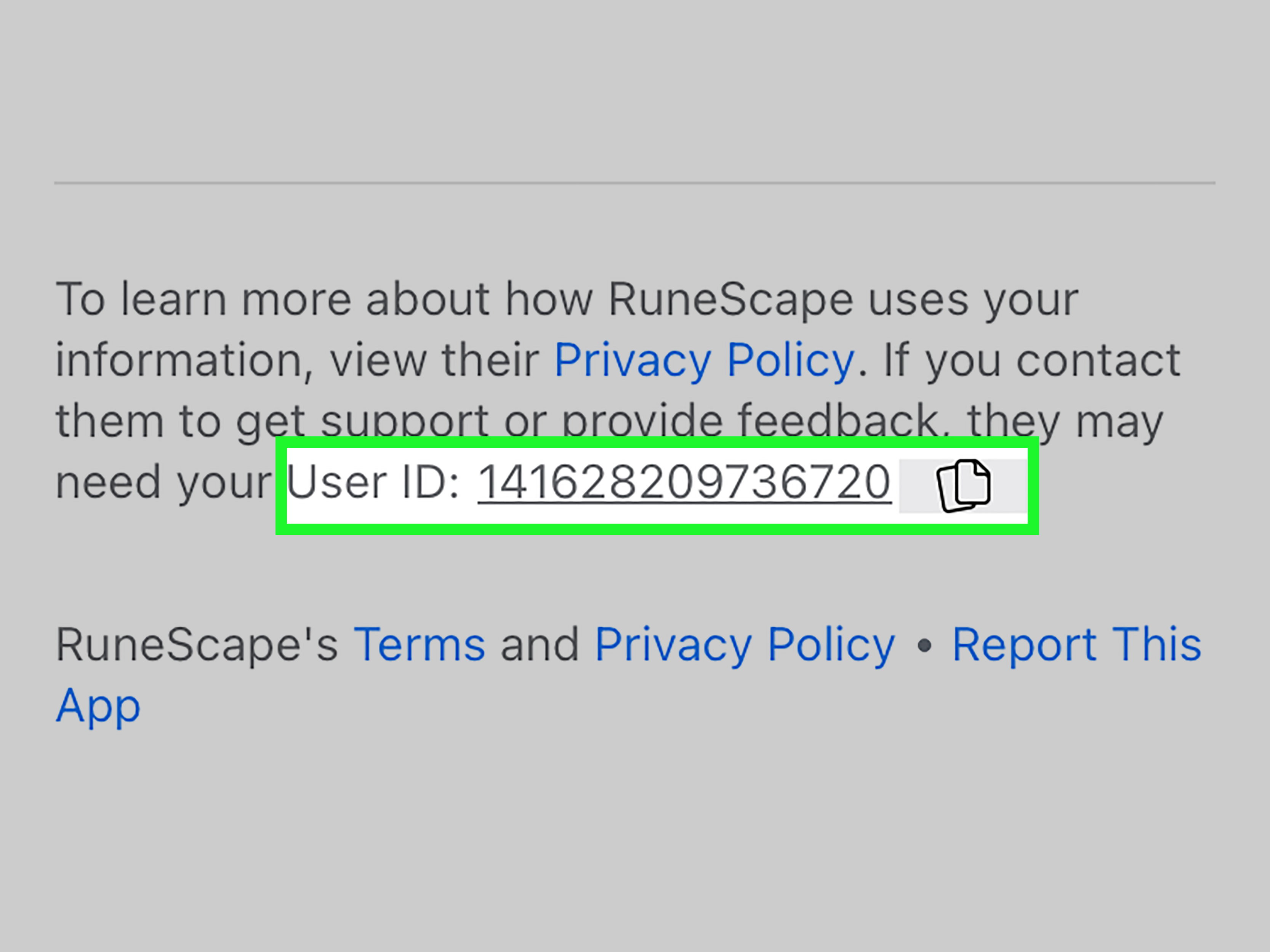
An app or game connected through Facebook may use an app-scoped user ID. That number identifies your account only within that specific application and may differ from your general profile ID.
To find it, open Facebook’s settings, navigate to Apps and websites, select the connected app, and scroll through its details. Facebook provides separate official instructions for locating a user ID associated with an app or game. Send that app-specific ID only when the app’s support team explicitly requests it.
Which Method Should You Use?
- To share your profile: Copy the profile URL from a browser or the mobile app.
- To confirm or change your username: Use Accounts Center.
- To find a visible numeric profile ID: Check for
profile.php?id=in the URL. - To investigate an ID hidden by a custom URL: Inspect the desktop page source and verify the result.
- To contact app or game support: Use the app-scoped ID shown under Apps and websites.
Troubleshooting Common Facebook Username and ID Problems
The Profile URL Contains Random Extra Characters
Facebook often adds sharing parameters to copied links. The username usually appears before the question mark. For a link such as facebook.com/jordan.taylor?mibextid=abc123, the username remains jordan.taylor.
Accounts Center Does Not Show “Username”
Confirm that you selected a Facebook profile rather than an Instagram profile. Update the Facebook app, restart it, or try Accounts Center in a desktop browser. Features sometimes arrive gradually, so two accounts may display slightly different menus on the same day.
The Username Is Not the Same as the Display Name
That is normal. A profile may display “Jordan Taylor” while using jordan.taylor.1988 in its URL. Usernames must be unique; display names do not.
A Numeric ID Opens the Wrong Content
You may have copied a post, photo, Page, or group ID from the source. Search again for a value explicitly connected to the profile owner. Facebook assigns numeric IDs to many objects, not just people.
You Cannot Sign In to Check the Username
Ask a trusted friend to open your profile and send its URL. The text after facebook.com/ may help identify your account during Facebook’s recovery process. Never give anyone your password, two-factor authentication code, or recovery code merely because they claim to need your username.
Privacy and Security Tips
A username or numeric user ID is not the same as a password. Knowing one does not automatically give another person access to your account. Nevertheless, these identifiers lead to your profile and may be combined with other publicly available information.
- Review what your profile shows to the public.
- Enable two-factor authentication.
- Do not paste private profile links into unknown ID-finder websites.
- Never share login codes, backup codes, or passwords.
- Confirm why a company needs your numeric ID before providing it.
- Avoid browser extensions that request excessive Facebook permissions.
For most ordinary situations, the official Facebook app, Accounts Center, and your browser provide everything you need. A third-party lookup tool is rarely worth handing your profile information to a mysterious server wearing a digital trench coat.
Frequently Asked Questions
Is my Facebook username my email address?
No. Your username is usually the unique text in your Facebook profile URL. Your email address or phone number may be used to sign in, but it is a separate account detail.
Can I log in with my Facebook username?
Facebook may recognize a username in certain login or recovery situations, but an email address or verified phone number is generally more reliable. Your password and any required authentication code are still necessary.
Does every Facebook account have a numeric user ID?
Yes. Facebook assigns an identifying number to a profile automatically. Creating a custom username gives the profile a friendlier URL but does not eliminate the underlying numeric identifier.
Can two people have the same Facebook username?
No. Usernames are unique, even though multiple people can have identical display names. This is why checking the username and profile details is helpful before sending a friend request.
Does changing my username change my user ID?
Normally, changing a username changes the customized profile URL but not the profile’s underlying numeric ID. Links using the former username may stop working or redirect differently, so update important published links promptly.
Is a Facebook Page ID the same as a personal user ID?
No. Profiles, Pages, groups, apps, posts, and other Facebook objects can have separate identifiers. Page administrators can locate a Page ID through the Page’s settings or profile information. Always confirm which ID type a form or integration requires.
Real-World Experiences: What Usually Happens When Finding a Facebook ID
In everyday use, finding a Facebook username is usually easier than users expect. The most common mistake is searching through personal details, contact information, or security settings when the answer is already visible in the profile URL. Opening the profile on a desktop browser often turns a ten-minute settings safari into a ten-second job.
A typical example involves someone completing a support form that asks for a “Facebook username.” The person enters the name shown on the profile, such as “Jordan Taylor,” but the form rejects spaces. After copying the profile URL, the distinction becomes clear: the requested username is actually jordan.taylor.1988. The display name was correct for humans; the username was correct for the form.
Mobile users often have a slightly different experience. They open the Facebook app, tap several menus, and wonder why no address bar appearsas if the app misplaced it behind the couch. Opening the profile’s three-dot menu and copying the profile link solves the problem. Pasting that link into Notes makes it easier to separate the username from any added tracking parameters.
Accounts Center is especially useful for people who manage multiple Meta profiles. A creator might have a personal Facebook profile, an additional professional profile, an Instagram account, and a business Page. The username shown in one profile’s URL may not belong to the account required by a verification or payment form. Selecting the intended Facebook profile under Accounts Center prevents a very avoidable case of mistaken digital identity.
The numeric ID is where the process becomes more technical. Older accounts and profiles without custom usernames may display the number directly after profile.php?id=. In those cases, locating the ID is wonderfully anticlimactic: copy the digits and you are done. Profiles with personalized URLs require more work because the friendly username hides the number.
Searching the page source can help, but the experience is rarely as clean as tutorials make it sound. Facebook’s source contains a small galaxy of numbers. Some belong to the profile; others identify posts, media, recommendations, or session-related objects. Verification is therefore essential. Testing the suspected number in a Facebook profile URL is much safer than confidently submitting the first 15-digit number that wanders past.
Another frequent complication occurs with game support. A player is told to provide a “Facebook user ID” and sends the general profile ID, only to learn that support wanted the app-scoped ID. The correct number appears in the connected app’s Facebook settings and identifies that user within the particular game. Asking support whether it needs a profile ID or app-scoped ID can save several rounds of email ping-pong.
The broader lesson is simple: begin with the purpose. If you need to share your profile, copy its link. If you need to confirm the official username, use Accounts Center. If a technical service requests numbers, determine whether it means a profile, Page, or app-scoped ID. Facebook has many identifiers, and unfortunately none arrives wearing a helpful little name tag.
Conclusion
You can find your Facebook username through the desktop URL, the mobile profile link, or Meta Accounts Center. To locate a numeric user ID, inspect a visible profile.php?id= address or carefully search the desktop page source. Always verify the result and distinguish a general profile ID from a Page ID or app-scoped identifier.
Once you know which type of Facebook identifier you need, the process becomes straightforwardand considerably less dramatic than Facebook’s menu system occasionally suggests.