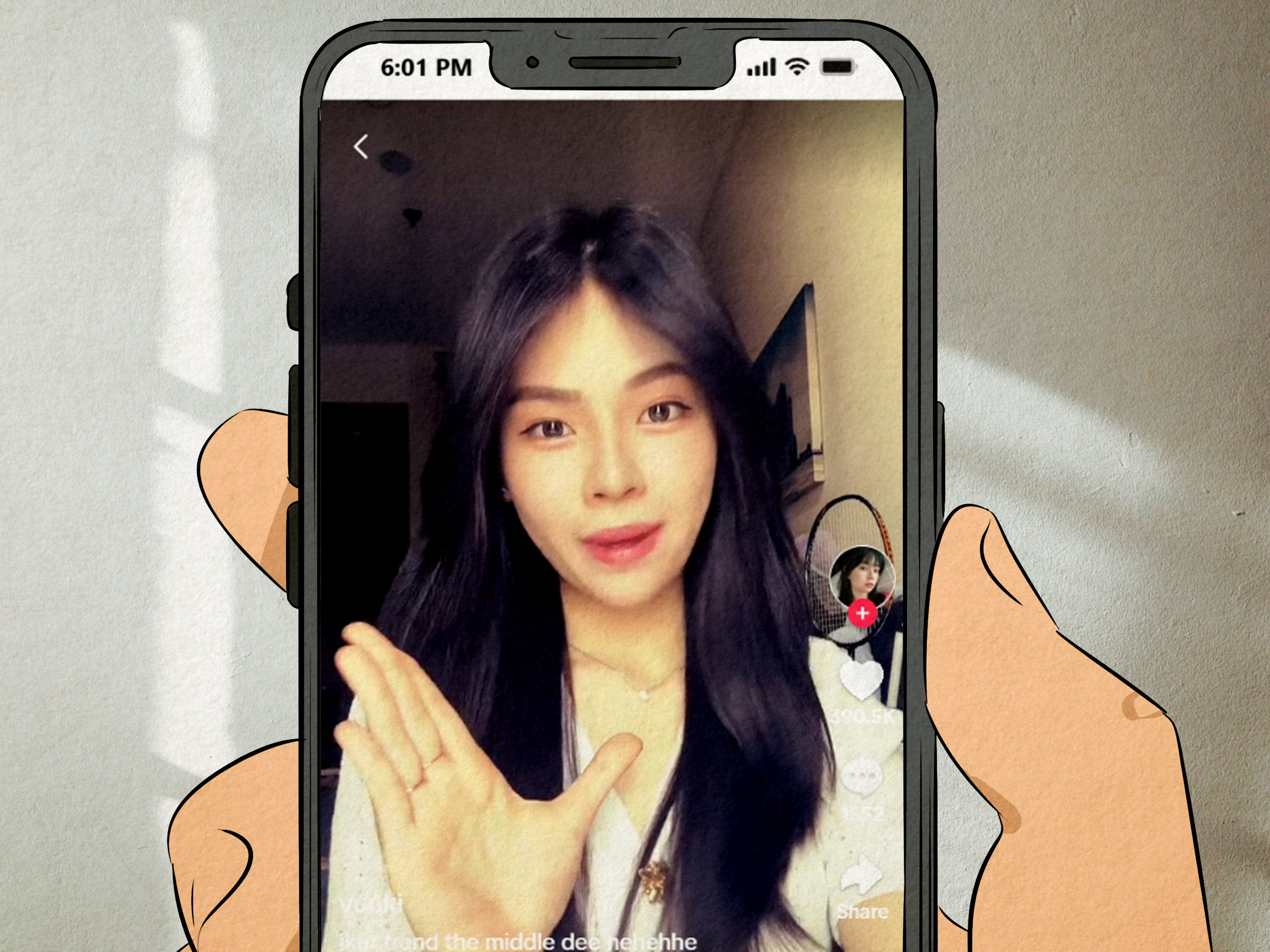
If your For You Page has suddenly turned into a tiny disco of dramatic zooms, glowing center frames, and people looking like they just stepped out of a 2010 music video in the best possible way, congratulations: you have probably met The Middle trend on TikTok. Built around the catchy energy of “The Middle” by Zedd, Maren Morris, and Grey, this trend is less about becoming a professional dancer overnight and more about creating a clean, nostalgic, perfectly timed video edit that makes your ordinary clip feel like a main-character montage.
The good news? You do not need a film degree, a ring light the size of a UFO, or editing skills passed down by ancient influencers. You need a phone, the right sound, a short clip or photo, and a little patience with timing. This complete tutorial explains how to do The Middle trend on TikTok step by step, including how to find the audio, use the retro burst effect, plan your shot, edit with CapCut or TikTok tools, write a strong caption, and post the video in a way that gives it the best chance to perform.
What Is The Middle Trend on TikTok?
The Middle trend is a short-form video format that uses the recognizable chorus or hook from “The Middle.” Most versions focus on a centered subject, a quick visual build-up, and a retro-style burst, zoom, flash, or freeze-frame effect. The finished video usually feels upbeat, nostalgic, slightly dramatic, and very scroll-stopping. Think of it as the digital equivalent of walking into a room and having the ceiling fan suddenly become stage lighting.
Unlike some TikTok dance trends, The Middle trend is flexible. You can use it for a solo selfie edit, a couple video, a friend group clip, a pet reveal, an outfit transition, a travel memory, a glow-up post, or a “then vs. now” moment. The main ingredient is timing: the strongest visual moment should land when the music lifts.
Why This Trend Works So Well
The Middle trend works because it combines three things TikTok loves: familiar audio, fast visual payoff, and easy participation. The song is instantly recognizable, so viewers understand the mood before they fully process the video. The retro burst effect adds movement without requiring complicated filming. And because the format can be copied with a template, more creators can join quickly.
There is also a nostalgia factor. The song has a bright pop sound that feels clean, energetic, and memory-friendly. TikTok often brings older or familiar songs back into circulation when creators discover a new editing format for them. That is why a track can suddenly feel brand-new again, even if it has been living rent-free in your brain for years.
What You Need Before You Start
Before filming, prepare the basic tools. You can make the trend directly in TikTok, but many creators prefer using CapCut because templates and effects make the retro burst look smoother.
Basic Tools
- A phone with TikTok installed
- CapCut or another mobile editing app
- The “The Middle” TikTok sound or a matching audio clip
- One strong video clip or photo
- Good lighting, preferably natural light or a simple ring light
- A clean background or a visually interesting setting
You do not need expensive equipment. A bright window and a stable phone setup can beat a messy studio setup every time. TikTok is not always asking for Hollywood. Sometimes it is asking for “I cleaned one corner of my room and now it looks like a lifestyle brand.”
Step-by-Step Tutorial: How to Do The Middle Trend on TikTok
Step 1: Search for The Middle Trend
Open TikTok and search for phrases like “The Middle trend,” “The Middle tutorial,” “The Middle TikTok edit,” or “Retro Burst The Middle.” Watch several recent examples before making your own version. Pay attention to where the zoom happens, when the flash appears, how long the clip lasts, and what kind of caption creators are using.
This research step matters because TikTok trends change quickly. One week, the trend may be a photo burst. The next week, creators may be using the same audio for outfit transitions or friend-group edits. Look for the version that appears most often in recent posts and copy the structure without copying anyone’s exact idea.
Step 2: Save the Correct Audio
When you find a video using the right sound, tap the spinning audio icon or the sound title at the bottom of the TikTok. From there, save it to your favorites or tap “Use this sound” if you want to record immediately. If you are using a business account, check whether the sound is available for commercial use. Some popular songs are restricted for brand accounts, so you may need to use a permitted version, original audio, or a CapCut export with music added through TikTok’s approved library.
For personal creator accounts, the regular trending sound is usually the easiest option. Still, always preview the audio before editing so you know exactly where the beat, lyric, or chorus moment hits.
Step 3: Choose Your Concept
The Middle trend performs best when the concept is simple. Do not try to tell your entire life story, your college thesis, and your dog’s emotional journey in seven seconds. Pick one clear idea.
Here are a few easy concepts:
- Outfit reveal: Start casual, then hit the beat with a styled look.
- Glow-up edit: Use an older photo first, then reveal the current version.
- Couple or best friend post: Center two people and let the burst frame the moment.
- Travel memory: Use a scenic clip from the middle of a trip, such as a beach walk or city view.
- Pet version: Place your pet in the center and let the effect do the drama. Pets understand nothing, but they carry content like professionals.
- Product or small business reveal: Show a before shot, then reveal the product at the chorus.
Step 4: Film Your Main Clip
Film vertically in a 9:16 format. Place your subject in the center of the frame because the retro burst effect usually draws attention toward the middle. Leave a little space around the head and shoulders if you are filming a person, and avoid clutter behind the subject. A clean background makes the burst effect look sharper.
Keep the shot steady. Use a tripod, phone stand, stack of books, or the ancient creator method: leaning your phone against a water bottle and hoping gravity supports your dreams. Record a few takes so you have options. A short clip of 5 to 8 seconds is usually enough.
Step 5: Open CapCut and Find a Template
Open CapCut and search for a template related to The Middle trend, Retro Burst, or middle song trend. Many trend templates are designed so you only need to insert your clip or photo. After selecting a template, preview it first. Make sure the timing matches the version you saw on TikTok.
If the template allows customization, choose the strongest part of your clip for the beat drop. The burst should highlight the best expression, pose, transition, or reveal. If the effect lands while you are blinking, turning away, or looking confused, the video may accidentally say, “I have been summoned for jury duty.”
Step 6: Adjust Timing and Crop
Once your clip is inside the template, adjust the crop so your subject stays centered. If your face, outfit, pet, or product is too low or too far to the side, the effect may feel off. Watch the preview several times. Your goal is to make the visual punch land exactly with the audio.
Trim unnecessary seconds at the beginning. TikTok viewers decide quickly whether to keep watching, so the video should get to the point fast. A strong first frame is important. If the opening looks confusing, dark, or messy, viewers may swipe before the trend even begins.
Step 7: Export the Video
Export the finished edit in high quality. If available, use 1080p. Avoid exporting and re-uploading the same file too many times because repeated compression can make the video look blurry. Once exported, open TikTok and upload the video.
If you used the audio inside CapCut, consider muting or lowering that audio and adding the official TikTok sound inside the TikTok app. This helps connect your video to the active trend sound page, which can improve discoverability.
Step 8: Add Text on Screen
Text is optional, but it can give viewers context immediately. Keep it short. Good examples include:
- “POV: you finally found your summer song”
- “This trend was made for this photo”
- “When the group chat actually makes plans”
- “The middle of the trip was the best part”
- “Trying The Middle trend because why not?”
Place text where it does not cover the subject’s face or the burst effect. Use readable fonts and strong contrast. If your background is busy, add a text outline or place the words in a cleaner area of the frame.
Step 9: Write a Caption That Helps the Video
Your caption should be natural, not stuffed with keywords like a robot trying to win a spelling bee. A good TikTok caption gives the video a reason to exist, invites interaction, or adds a small joke.
Caption examples:
- “Okay, I understand The Middle trend now.”
- “This audio makes everything feel like a movie.”
- “Had to try The Middle trend with my favorite clip.”
- “The retro burst effect carried, and I am not ashamed.”
- “This took longer than expected, but the beat drop was worth it.”
Step 10: Use Smart Hashtags
Use a mix of trend hashtags and niche hashtags. Three to six hashtags are usually enough. Too many can make the caption look messy.
Try combinations like:
- #TheMiddleTrend
- #TheMiddle
- #TikTokTrend
- #RetroBurst
- #CapCutTemplate
- #TikTokTutorial
- #ForYou
If your video has a specific niche, add one or two relevant hashtags, such as #OutfitReveal, #TravelTok, #PetTok, #CoupleTok, #SmallBusinessTikTok, or #GlowUp.
How to Do The Middle Trend Without CapCut
If you do not want to use CapCut, you can still create a simple version inside TikTok. Upload or record your clip, add the sound, and use TikTok’s built-in editing tools to trim, crop, and add effects. Look for zoom, flash, blur, or visual effects that create a center-focused burst. It may not look identical to the template version, but it can still capture the trend’s energy.
For a manual version, split your clip right before the chorus or beat lift. Add a quick zoom or flash effect at the split. Then place your best frame immediately after it. The edit should feel like a tiny reveal: setup, burst, payoff.
Creative Ideas for The Middle Trend
For Personal Creators
Use the trend to highlight a favorite memory, a confident selfie, a gym progress moment, or a funny “main character” clip. The trend works especially well when the subject looks directly at the camera or when the clip has movement toward the center.
For Couples and Friend Groups
Try a group pose, a vacation clip, or a quick “before the night out vs. during the night out” transition. Make sure everyone is visible and centered before the burst happens. If one friend is half outside the frame, they may become the accidental ghost of the video.
For Small Businesses
Use The Middle trend for product reveals, packaging videos, restocks, or before-and-after transformations. For example, a jewelry brand could show a plain table first, then reveal a finished necklace. A bakery could show empty packaging, then reveal a box of decorated cupcakes. Keep branding subtle and let the trend feel native to TikTok.
For Pets
Pet content is always welcome. Place your dog, cat, rabbit, or dramatically judgmental parrot in the center and let the effect turn them into a pop star. Use a caption like “He thinks this song is about him.” Honestly, he is probably right.
Common Mistakes to Avoid
Using the Wrong Part of the Song
The trend depends on timing. If the effect lands too early or too late, the video feels flat. Always preview the edit with sound before posting.
Overloading the Video With Effects
The retro burst should be the main visual moment. Too many stickers, filters, flashes, and text boxes can make the video look chaotic. Let the center effect breathe.
Ignoring Lighting
Dark footage weakens the effect. Film near a window, outdoors, or in a well-lit room. Good lighting makes even a simple phone clip look polished.
Forgetting to Credit Inspiration
If you copied a specific creator’s format, choreography, or unique setup, credit them in the caption. TikTok trends are built on remix culture, but credit keeps the community healthier and helps viewers find the original idea.
Posting Without Checking the Preview
Before tapping Post, watch your video as if you are a stranger on the For You Page. Is the first second interesting? Is the subject centered? Is the caption readable? Does the sound match the edit? If yes, post it. If no, fix it before the internet sees your masterpiece blinking at the wrong beat.
Tips to Make Your Video Stand Out
To make your version more memorable, add one personal twist. The trend gives you the structure, but your idea gives it personality. Instead of simply copying the most common version, ask: What makes my clip funny, emotional, beautiful, or unexpected?
Use motion before the burst. Walking toward the camera, turning your head, lifting a product, opening a door, or moving into frame gives the effect more energy. Static photos can work, but short moving clips often feel more alive.
Keep the final video short. Many trend edits work best between 6 and 12 seconds. A short loop can also encourage replays, especially if the ending flows naturally back into the beginning.
Finally, reply to comments quickly after posting. Early engagement can help a video gain momentum. If someone asks how you made it, reply with a short tutorial or make a follow-up video. Tutorials often perform well because viewers love seeing how a polished effect was built.
Experience Section: What It Is Like to Make The Middle Trend
Making The Middle trend looks easy when you are watching someone else’s finished video. It is seven seconds of clean timing, sparkly confidence, and a beat drop that says, “Yes, I planned this.” But behind the scenes, the process is usually a tiny comedy show starring you, your phone storage, and one clip that refuses to crop correctly.
The first experience most creators have is realizing that the right clip matters more than expected. You may think any selfie or casual video will work, but once the retro burst effect is added, small details suddenly become obvious. A messy background looks messier. Bad lighting becomes dramatic in the wrong direction. A half-second blink becomes the star of the show. This is why filming a few extra takes is not overthinking; it is self-defense.
The second experience is learning the importance of the center frame. The trend is called The Middle for a reason, and the best versions usually place the subject directly in the middle of the video. If you are too far left or right, the burst effect looks like it is celebrating the wall instead of you. When editing, crop carefully and preview often. The difference between “viral-looking edit” and “my camera slipped” can be one small adjustment.
Another common experience is getting weirdly obsessed with timing. You may replay the same six seconds twenty times, moving the clip forward by a fraction of a second, then backward, then forward again. This is normal. Welcome to the glamorous life of short-form video editing, where 0.2 seconds can feel like a full emotional journey. The best timing usually happens when the strongest visual moment lands exactly as the song lifts. Once it clicks, you will know. The edit suddenly feels smoother, and your brain gives you a tiny round of applause.
There is also a fun creative surprise with this trend: it works for more moments than you expect. A simple outfit clip can become a fashion edit. A vacation photo can become a memory montage. A pet sitting on the floor can become an award-winning drama. That flexibility makes The Middle trend beginner-friendly. You can start simple and still get a result that looks polished.
For creators trying this trend for the first time, the best advice is to avoid perfection panic. Your first version does not need to be the final boss of TikTok editing. Focus on a clean clip, centered subject, correct audio, readable caption, and good timing. Once you post, pay attention to viewer response. If people comment on the effect, make a tutorial. If they ask about the location, make a follow-up. If they only comment on your pet, accept that your pet is now the manager.
The real charm of The Middle trend is that it turns a simple moment into something bigger without requiring complicated choreography. It gives creators a quick way to package confidence, nostalgia, humor, or beauty into a format viewers already understand. And that is the secret sauce of TikTok trends: familiar enough to recognize, flexible enough to personalize, and short enough that nobody has time to ask why you filmed it five times in your hallway.
Conclusion
The Middle trend on TikTok is a fun, beginner-friendly edit built around strong audio timing, a centered subject, and a retro burst-style visual payoff. To do it well, start by studying recent examples, save the correct sound, choose a simple concept, film a clean vertical clip, use a CapCut template or TikTok effects, and match your best visual moment to the beat. Add a short caption, use a few relevant hashtags, and credit inspiration when appropriate.
You do not need to be a professional editor to join the trend. The best versions are usually clear, quick, and personal. Whether you are showing off an outfit, a trip, a friendship, a product, or a pet with suspiciously strong star power, The Middle trend gives you an easy format to make the moment pop.
Note: TikTok trends move quickly, so check recent videos under the sound before publishing. Use the current version of the trend, keep your edit original, and credit creators or templates when your video is directly inspired by their work.