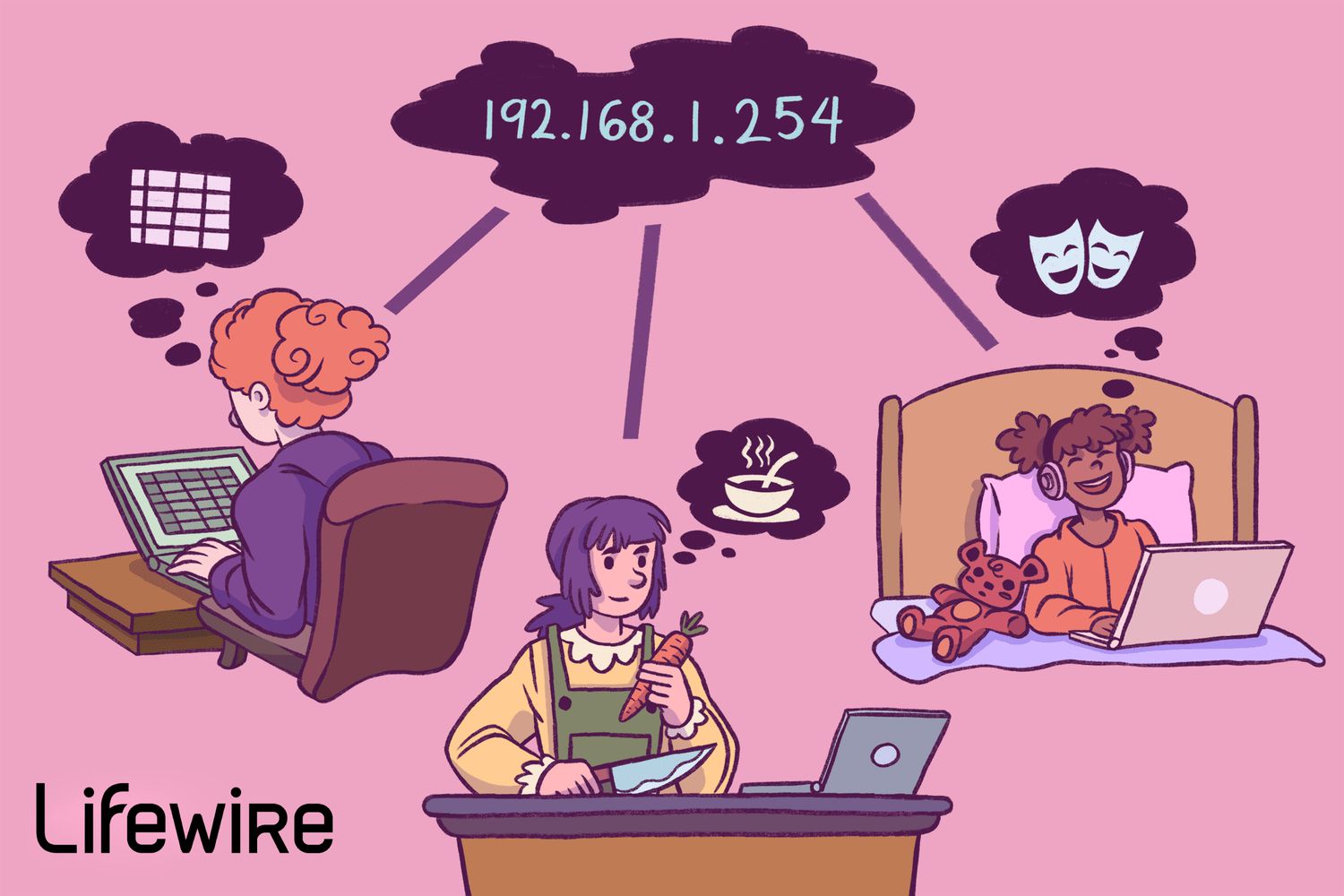
If you have ever typed 192.168.1.254 into your browser and wondered whether you were entering a secret hacker code, good news: you are not launching a spy satellite. You are usually trying to reach your router or internet gateway.
This address is a private IP address commonly used on home and small-business networks. In many setups, it acts as the default gateway, which is the device your phone, laptop, smart TV, and every other Wi-Fi-hungry gadget use to get out to the internet. When it works, it feels invisible. When it stops working, suddenly everyone in the house becomes a part-time network engineer.
In this guide, we will break down exactly what 192.168.1.254 is, why some routers use it, how to log in safely, what you can change once you are inside, and what to do when the page refuses to load like a grumpy cat avoiding eye contact. We will also clear up common confusion about public IPs, private IPs, router settings, and whether typing this address into a browser can somehow “break the internet.” Spoiler: it usually cannot.
What Does 192.168.1.254 Mean?
192.168.1.254 is an IPv4 address. More specifically, it belongs to the 192.168.0.0/16 private address range, which is reserved for internal networks such as the one in your home or office.
That means this address is not meant to be reachable from the public internet. You cannot sit in a coffee shop across town, type 192.168.1.254 into your browser, and magically control your home router. Private IP addresses are designed for local use behind a router, not for global internet routing.
In many networks, 192.168.1.254 is assigned to the router or gateway itself. That device then gives other devices addresses like:
- 192.168.1.2
- 192.168.1.15
- 192.168.1.87
- 192.168.1.200
Think of the router as the manager of a tiny neighborhood. Every device gets a house number, but the router sits near the edge of town, telling traffic where to go next. When your laptop wants to reach a website, it sends the request to the default gateway first. If that gateway is set to 192.168.1.254, that is why the address matters.
Why Do Some Routers Use 192.168.1.254 Instead of 192.168.1.1?
This is one of the most common questions people ask. Many guides online talk about 192.168.1.1, while others mention 10.0.0.1 or 192.168.0.1. So why does your router use 192.168.1.254?
The short answer is simple: router manufacturers and internet service providers choose different default LAN IP addresses. There is nothing magical about .1 or .254. Both are valid usable addresses on a common subnet like 192.168.1.0/24.
Some gateways from providers such as AT&T and certain other ISP-supplied devices are commonly accessed at 192.168.1.254. Some networking products from other brands also use this address by default. Meanwhile, plenty of consumer routers prefer 192.168.1.1, 192.168.0.1, or even 10.0.0.1.
In other words, 192.168.1.254 is not “better” or “faster.” It is simply the address that some devices use for local administration.
What Is a Default Gateway?
A default gateway is the device on your local network that forwards traffic to destinations outside your network. In a home setup, the router usually plays that role.
Here is the everyday version:
- Your phone wants to open a website.
- Your phone sees the website is not on your local network.
- It sends the request to the default gateway.
- The router forwards that request to your ISP and out to the internet.
If your router’s local address is 192.168.1.254, then that may also appear in your device settings as the default gateway. That is why this number often shows up when you run a command like ipconfig on Windows or inspect TCP/IP details on a Mac.
Is 192.168.1.254 a Website?
No. It is not a public website, search engine, or mysterious portal into the Matrix.
It is a local network address. When you type it into your browser’s address bar, your browser is trying to connect directly to a device on your network, usually your router’s admin interface.
If the router supports web management, you may see a login screen. If it does not respond, you might get a timeout, a security warning, or a blank page that feels personally insulting.
What Can You Do at 192.168.1.254?
If that address belongs to your router or gateway, opening it in your browser can take you to the admin dashboard. This is where you manage core network settings.
Common Things You Can Change
- Wi-Fi name (SSID) and password
- Admin login credentials
- Guest network settings
- Parental controls
- DHCP settings for automatic local IP assignment
- Port forwarding for gaming, cameras, or servers
- Firewall and security options
- Firmware updates
- Device lists showing what is connected
- IP passthrough, bridge mode, or advanced network settings on supported gateways
This is the control room for your network. Use it carefully. Changing the Wi-Fi name is harmless. Randomly editing firewall rules at midnight because a forum post sounded confident? That can be an adventure of the wrong kind.
How to Log In to 192.168.1.254
If your router uses this address, here is the usual process:
- Connect your device to your home network, either by Wi-Fi or Ethernet.
- Open a web browser.
- Type
http://192.168.1.254into the address bar, not the search box. - Press Enter.
- When the login page appears, enter the admin username and password or device access code.
Some devices use a password printed on a sticker. Others use a custom admin password created during setup. On ISP gateways, the login may be called a device access code, router password, or system password.
Important Reminder
Your router admin password is not always the same as your Wi-Fi password. People mix these up constantly. One controls who can join the network. The other controls who can change the network itself. That is a very different level of power.
How to Find Out Whether 192.168.1.254 Is Really Your Router
If the page does not load, do not assume the address is wrong forever. First, confirm your device’s actual default gateway.
On Windows
- Open Command Prompt.
- Type
ipconfigand press Enter. - Look for Default Gateway under your active connection.
If it shows 192.168.1.254, that is your router or gateway address.
On Mac
- Open System Settings.
- Go to Network.
- Select your connected network.
- Open the TCP/IP details.
- Look for the Router field.
That router address is effectively your default gateway.
On Phones and Tablets
Many mobile devices also show gateway or router information in Wi-Fi details, though the exact menu depends on the device and operating system version.
Why 192.168.1.254 Might Not Open
If nothing happens when you visit the address, several things may be going on.
1. Your Router Uses a Different IP Address
It may use 192.168.1.1, 192.168.0.1, 10.0.0.1, or another address entirely.
2. You Are Not Connected to the Right Network
If you are on mobile data, a guest network, or a VPN, local router access may fail.
3. You Typed It into a Search Bar
This sounds silly, but it happens all the time. Search bars search. Address bars connect.
4. The Router Interface Uses HTTPS or a Different Management URL
Some devices prefer HTTPS, and some offer branded local addresses in addition to the raw IP.
5. The Router Is Frozen or Misconfigured
A reboot may help. So may checking cables, modem status, or whether someone changed the LAN IP address months ago and forgot to mention it to the rest of humanity.
6. Browser Caching or Security Warnings
Browsers sometimes dislike router pages because of self-signed certificates or local-only management pages. That does not always mean danger, but you should make sure you are reaching your actual router before proceeding.
Is 192.168.1.254 Safe?
The address itself is safe. It is just a local IP address. The real question is whether your router configuration is secure.
Good Security Habits
- Change the default admin password.
- Use a strong, unique Wi-Fi password.
- Enable WPA2 or WPA3 security if available.
- Keep firmware updated.
- Disable remote management unless you truly need it.
- Review connected devices regularly.
- Turn off features you do not use.
If your admin password is still something like admin, password, or “we’ll change it later,” your network is basically wearing a “please jiggle the handle” sign.
192.168.1.254 vs. Your Public IP Address
This distinction confuses a lot of people, so let’s make it crystal clear.
192.168.1.254 is a private local IP address. It is used inside your network.
Your public IP address is assigned by your internet provider and is what the wider internet sees when your network connects outward.
So if a website tells you your IP is something like 98.x.x.x or 73.x.x.x, that is not contradicting your router address. It is showing your public-facing internet address. Both can exist at the same time because your router uses NAT, or Network Address Translation, to let many private devices share one public connection.
Can You Change 192.168.1.254?
Usually, yes. Many routers let you change the LAN IP address to something else, such as 192.168.1.1 or 192.168.50.1.
But changing it has consequences. Devices may need to reconnect. Bookmarked admin pages may stop working. Static IP assignments, port forwarding rules, and connected smart-home gear may need attention.
Unless you have a clear reason, such as avoiding an IP conflict with another router, it is often smarter to leave the default LAN address alone.
Common Use Cases for Accessing 192.168.1.254
Changing the Wi-Fi Password
This is the classic reason. Maybe you got a new roommate, maybe the neighbors somehow know your password, or maybe you finally decided “familywifi123” is not the cybersecurity masterpiece you once believed it to be.
Setting Up a Guest Network
A guest network lets visitors get internet access without joining your main network. That keeps your primary devices a bit more separated.
Improving Network Performance
You may log in to change channels, adjust band settings, reboot the gateway, or check whether twenty-seven devices are secretly clinging to your Wi-Fi.
Troubleshooting Internet Problems
If your internet is slow or down, the router dashboard can show connection status, signal details, logs, or error messages.
Advanced Configuration
More experienced users may use the interface for port forwarding, DHCP reservations, firewall tweaks, or passthrough settings.
Mistakes to Avoid
- Do not confuse the admin password with the Wi-Fi password.
- Do not change settings randomly without noting the original values.
- Do not disable security features just to “see if it works.”
- Do not assume every router uses 192.168.1.254.
- Do not panic if the page does not load on the first try.
Networking problems are often less dramatic than they feel. Most of the time, the fix is basic: wrong address, wrong password, wrong network, or one reboot away from behaving again.
Final Thoughts
So, what is 192.168.1.254? It is usually your router’s local management address or default gateway, especially on certain ISP-provided gateways and some networking devices. It lives inside your private network, not out on the public internet, and it is often the doorway to settings like Wi-Fi passwords, connected devices, DHCP, firewall options, and firmware updates.
Understanding this address makes home networking much less mysterious. It helps you troubleshoot connectivity issues, secure your router, and make smarter changes when your network needs attention. You do not need to become a full-time network admin, but knowing what 192.168.1.254 does puts you several steps ahead of the average person who only notices the router when streaming starts buffering.
And honestly, that is the true spirit of home networking: peaceful invisibility when things work, mild detective work when they do not, and an unreasonable amount of gratitude for the tiny blinking box that keeps modern life glued together.
Real-World Experiences With 192.168.1.254
People usually do not go looking for 192.168.1.254 because they are bored on a Saturday. They go looking for it because something happened. The Wi-Fi slowed to a crawl. A new router was installed. A streaming device refused to connect. A parent wanted to change the password after sharing it with half the neighborhood during a party. In real life, this IP address tends to show up right at the moment when someone says, “Why is the internet being weird?”
One of the most common experiences is logging in for the first time after an ISP installs a gateway. You open a browser, type in 192.168.1.254, and suddenly you are staring at an admin page full of tabs with names like Home Network, Firewall, and Diagnostics. It feels slightly official, like you have been handed the keys to a tiny digital city. Most users only need a few simple changes, such as updating the Wi-Fi name, changing the wireless password, or checking which devices are connected.
Another common scenario involves confusion between the router login and the Wi-Fi password. Plenty of people assume the password they use to join the wireless network must also be the password for the admin panel. Then the login fails, and suddenly the router becomes the villain in a household drama. In many cases, the fix is simple: check the sticker on the gateway, find the device access code, and use the correct admin credentials instead.
There is also the classic troubleshooting moment where 192.168.1.254 does not load at all. This often leads users down a rabbit hole of restarting the router, restarting the laptop, switching browsers, muttering at the screen, and questioning every life choice that led to this point. But the solution is usually practical. Maybe the router is actually using 192.168.1.1. Maybe the device is connected to a guest network. Maybe a VPN is interfering. Maybe the browser cached an old page. This is why checking the default gateway on the device is such a useful step before doing anything dramatic.
Experienced users often end up back at 192.168.1.254 for more advanced reasons. They may reserve an IP address for a printer that keeps disappearing, set up a guest network for visitors, or tweak settings to improve performance in a house packed with smart devices. Some use the admin panel to review security settings, turn off features they do not need, or confirm that no mystery device is freeloading on the network. It is not glamorous work, but it is the kind of digital housekeeping that keeps the whole system calm and reliable.
In the end, the experience most people have with 192.168.1.254 is not about networking theory. It is about taking control of the connection they depend on every day. Once you understand what the address does and how to use it, the router stops feeling like a mysterious blinking brick and starts feeling like a tool you can actually manage with confidence.